
App strategy
What to build first, what to leave for v2, and whether this should even be an app. We'd rather say that now than after you've paid for it.
We design and build iOS and Android apps from start to finish: the first screen, the App Store listing, the crash reports and the next release. One team does all of it, and you always know who to call.
Six things we do on every mobile project. You can take the whole lot or the part you're missing.
What to build first, what to leave for v2, and whether this should even be an app. We'd rather say that now than after you've paid for it.
Flows, screens and a component library that respects each platform's habits — iOS sheets behave like iOS sheets, not like a website in a phone.
Swift and Kotlin when the app leans on the hardware — camera, sensors, background work, tight animation. The fast path stays fast.
React Native or Flutter when one team and one codebase gets you to both stores sooner. We'll tell you honestly which side your app falls on.
Auth, sync, payments, notifications and the admin side nobody demos. Built so the app still works when the network is poor.
Store listings, review submissions, phased rollouts, crash monitoring. Shipping is the middle of the job, not the end of it.
We don't specialise in one sector and we won't pretend otherwise. What we're good at is learning how your work actually runs (the forms, the rules, the person keeping it all in an exercise book or a spreadsheet) and turning that into an app people open every day.
Fifteen on the board. Here are the ones that wouldn't fit on a ring.
Not on the list? That usually means nobody has built it properly yet. Tell us what you do
Nobody should answer this before seeing your product. This is how we decide.
Most products we see land on cross-platform with one or two native modules. That is normal, and it is not a compromise.
We choose what your team can still hire for in three years. No in-house framework, no clever dependency nobody else understands. Here's the whole list.
Swift and Kotlin, written the way each platform expects: SwiftUI and Compose first, UIKit and Views where they still do it better.
One codebase, both stores, when that's the honest answer. Typed end to end, because a runtime error on someone's phone is a week-long release cycle away from a fix.
The half of the app that never gets demoed: auth, sync, payments, push, the admin panel. Built to survive a weak signal and a month-end rush.
Release number twelve should be no harder than release number two. Signing, uploads and rollout are automated on day one, not bolted on at launch.
Already standardised on something else? We'll work in your stack rather than talk you out of it, unless it is actually hurting the app. Then we will say so first.
Weekly builds on your phone from week three. You never wait for a big reveal.
We pull apart the idea, find the one thing the app has to do well, and cut the rest into a later release. This is where money gets saved.
Screens and navigation on a component library, prototyped on a real device. Thumbs behave differently from a mouse, so we test on real phones.
Two-week cycles, a TestFlight or Play build every Friday. You use it on your own phone while we're still writing it.
Bad networks, old Tecno and Infinix phones, small screens, permissions denied. We break it on purpose before your users do it by accident.
Store listing, review, phased rollout. Then crash dashboards and the first patch, because there is always a first patch.
Simulator on one screen, code on the other, a real handset on the desk. Not a stock photo of people pointing at a laptop.
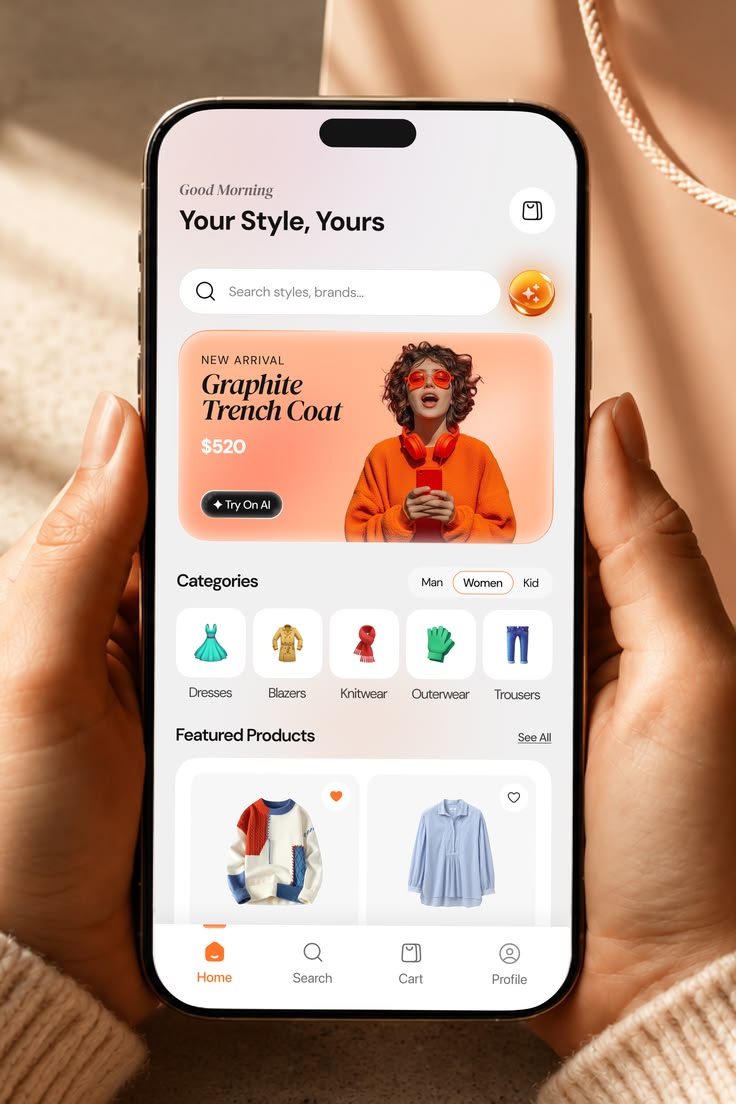
AI fitting, saved looks, one-tap checkout.
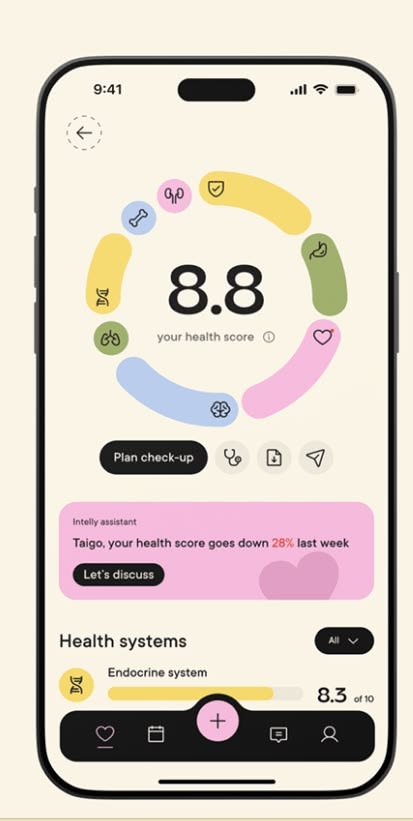
Wearable sync, trends, nudges that aren't nagging.
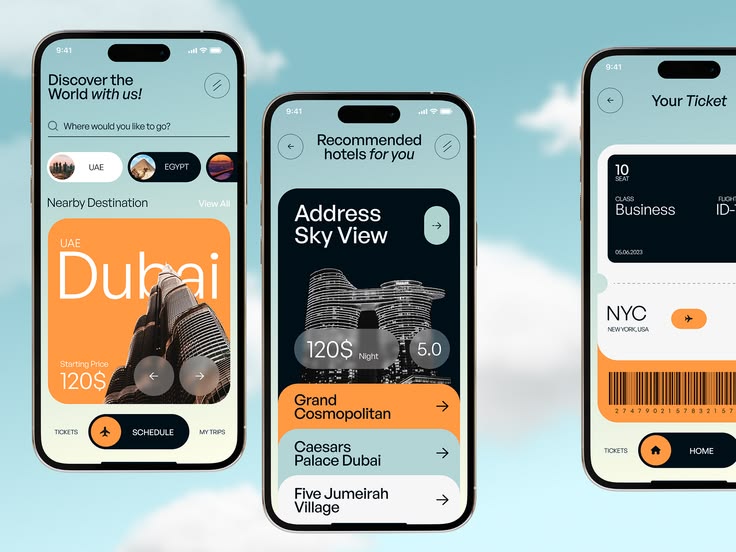
Offline itineraries, wallet passes, live gate updates.
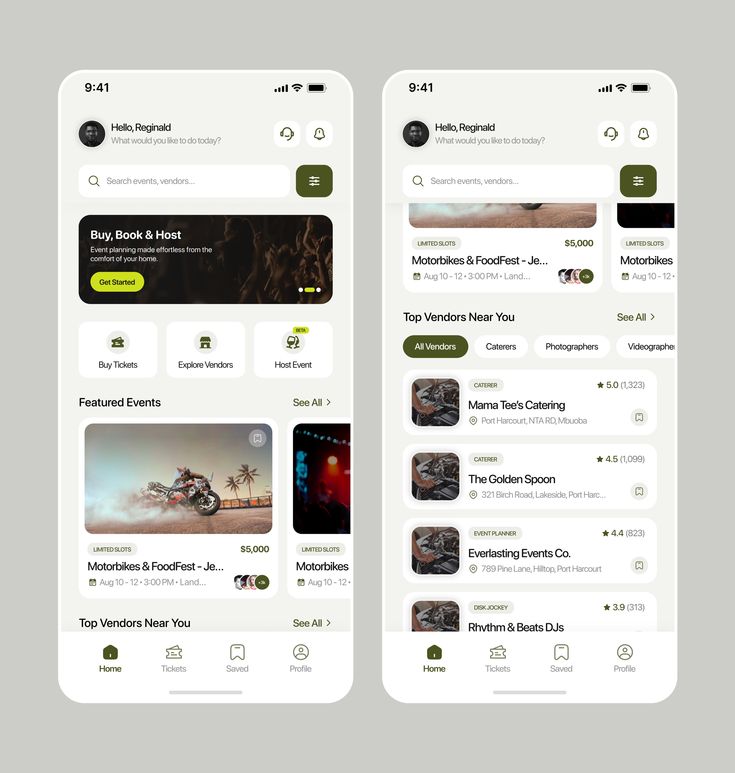
Vendor onboarding, geo search, split payments.
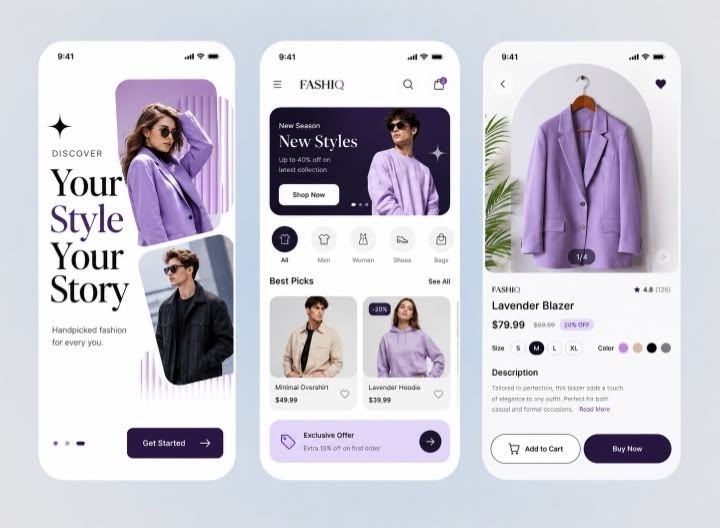
Editorial feed, size memory, returns in two taps.
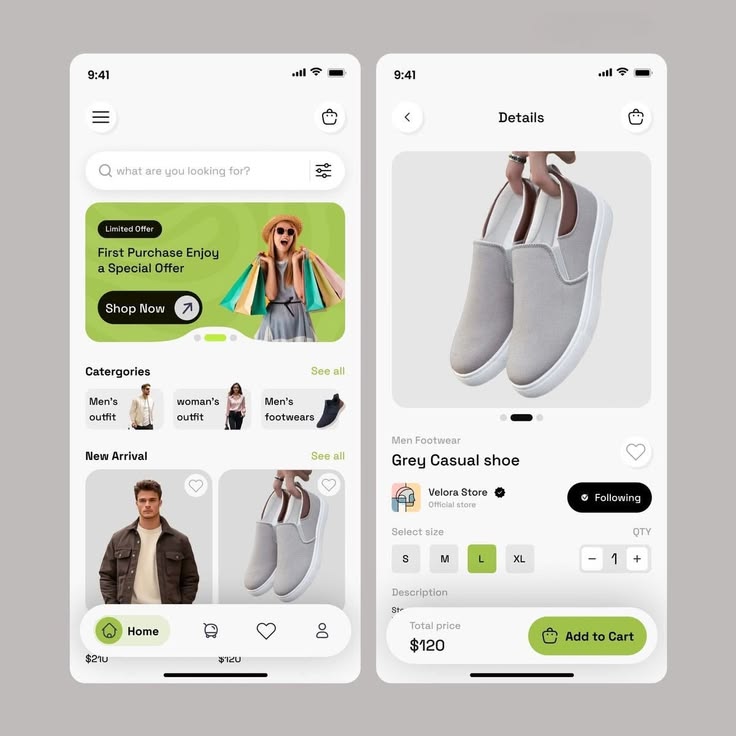
Guest checkout, saved cards, push-driven returns.
Getting people to come back in their first week matters more than any launch campaign. We design for day 30, not just day one.
Every extra screen between wanting and buying costs you. We count the taps and then remove some.
Store rejections are avoidable. Privacy labels, permissions and purchase rules get handled before submission.
Analytics and crash reporting wired in from the first build, so decisions come from numbers rather than opinions.
CI, signing and store pipelines set up once. Release number twelve should not be harder than release number two.
Repos, store accounts, design files and docs in your name from day one. You are never stuck with us.
Developer accounts, privacy labels, screenshots, review notes, staged rollout, and the rejection letters, which we answer so you don't have to. We publish to every store your users are actually on.
iOS, iPadOS, watchOS and visionOS. TestFlight for your beta group before a single stranger sees it.
Review handledSigned bundles, internal and closed testing tracks, then a staged rollout you can halt at 5% if the crash rate blinks.
Staged rolloutThe Android store on Seeker and Saga devices. No platform cut, and wallet-native apps are welcome rather than merely tolerated.
Web3 nativeHundreds of millions of devices with no Google services on them. We swap in HMS for maps, push and sign-in.
HMS readyPre-installed on every Galaxy sold. Cheap to add once the Play build exists, and it reaches people Play doesn't.
Second listingThe default store across Xiaomi, Redmi and POCO, which covers much of the mid-range market in Asia, Africa and Latin America.
Emerging marketsFor open-source releases and privacy-minded users. Reproducible builds, no trackers, and that audience notices.
Open sourceAmazon Appstore, Microsoft Store, enterprise MDM and Intune, signed direct downloads, or an installable PWA when a store isn't worth the trouble.
On requestEvery listing goes under your own developer accounts. We're added as collaborators, and you can remove us the day you stop needing us.
Everything below lands in your accounts, not ours. If you part ways with us, nothing stops.
Talk through your buildSigned builds on the App Store and Google Play under your developer accounts.
Repos with real commit history, branch rules and a README someone can actually follow.
Components, tokens and every screen state: loading, empty, error and offline.
CI, code signing and phased rollout already wired, so the next release is a button.
Crash reporting and analytics dashboards, plus what to watch in the first fortnight.
Thirty days of support after launch as standard, then a retainer only if you want one.
A login, a card, a location, a medical note. Every mobile build we ship gets looked at by our own security team before it reaches a store, not by an outside firm after something has already gone wrong.
Marcusina CybersecurityWe attack the build the way a real attacker would, with a rooted phone, intercepted traffic and a tampered app, and hand you the findings ranked by what each one would actually cost you.
No API keys baked into the bundle, no tokens sitting in plain preferences. Keychain and Keystore used properly, certificate pinning where the traffic earns it.
Data maps, consent flows and store privacy labels that match what the code really does. Most rejections we get called about are a privacy answer nobody checked.
Dependency and vulnerability monitoring on your releases, and a published out-of-hours route for serious incidents. Incident response is a service here, not a favour.
It depends on how much of the app is new. In the first week we agree what to build first, and we give you a fixed price before anyone writes code. No surprise bill at the end.
Usually around twelve weeks from the start to the first public release. You will have a working version on your own phone by week three.
Not always. Starting with one platform is cheaper and teaches you faster. If your users are on both, one cross-platform app gets you into both stores without paying twice.
Yes. We start with a short check of the code, the packages it uses and the store accounts, then tell you plainly what can be kept and what can't.
You do, from the very first day. We work inside your accounts wherever we can, and hand over everything else at launch. Nothing is locked to us, and there are no licence fees.
Thirty days of support is included: crashes, store feedback and the first fixes. After that, you can keep us on a monthly plan, let your own team take over, or call us when you need us.
One call. We'll tell you what we'd build first, roughly what it costs, and whether you need us at all.


